
Codiatech Blog
Are Your Teams Devices Ready for EWS Retirement? An Office Checklist
Microsoft’s November 18 briefing highlights Teams device versions and calendar connectivity. We review inventory, pilot updates and acceptance checks across room systems, panels, phones and VDI.
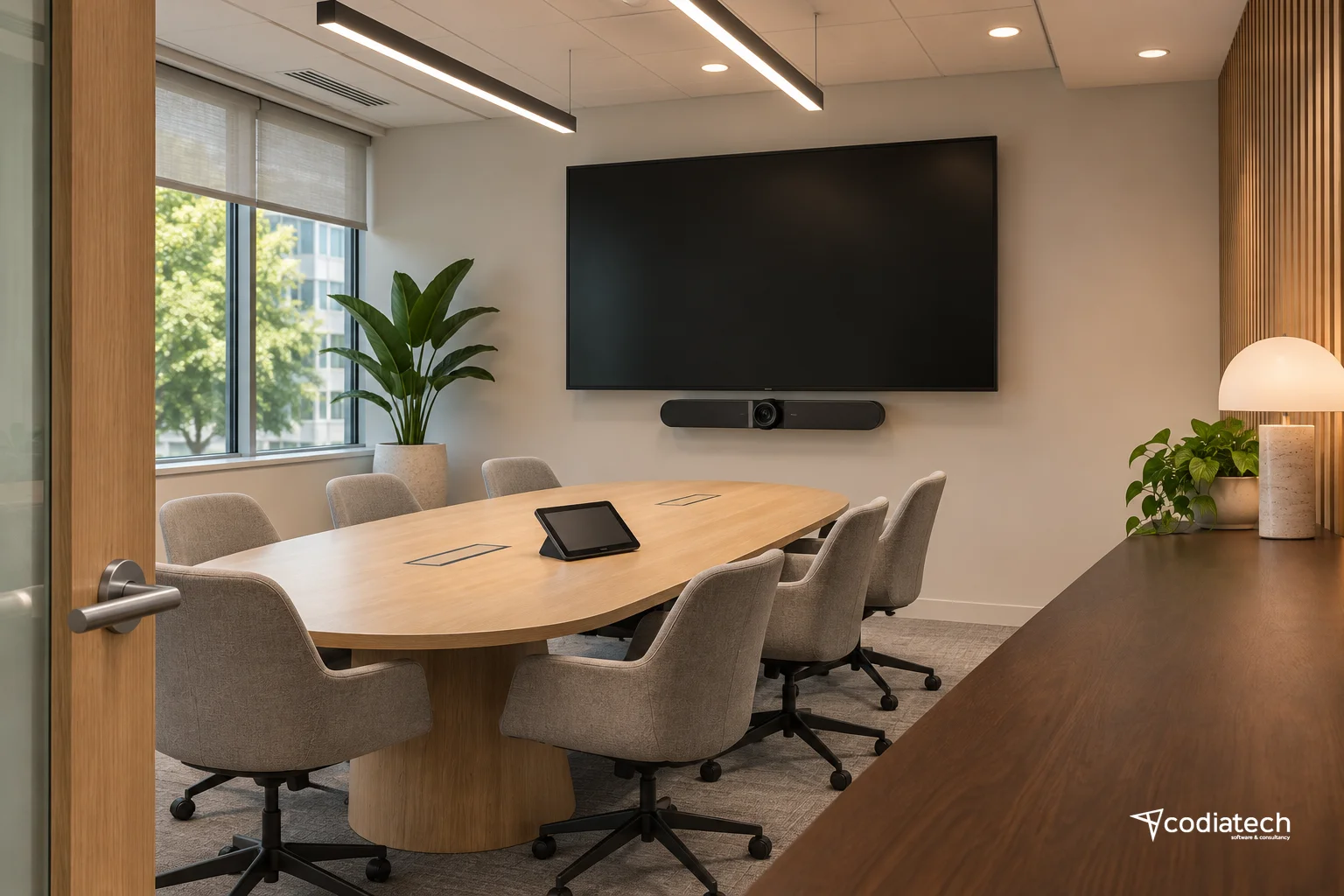
Why Review Meeting-Room Devices Now?
Microsoft’s November 18, 2026 administrator briefing renews the call to keep Teams applications current ahead of EWS retirement. Desktop and VDI clients, room systems, panels, phones and mobile devices need separate attention. A room display being switched on does not establish that its calendar connection works.
Codiatech recommends treating updates as an operational change with acceptance criteria. Before closing the task, verify room booking, calendar synchronisation and joining a meeting. The process below is an illustrative operating approach, not a claim that a customer experienced an outage or that these checks were performed in a customer environment.
Separate Client Updates from EWS Migration
Microsoft Learn states that EWS disablement in Exchange Online started in October 2026 and completes in April 2027. Its guidance also identifies Microsoft Graph parity gaps and capabilities that will not receive an equivalent. Updating a Teams device does not automatically remove an EWS dependency in another business application.
We recommend maintaining two worklists. One covers device and client maintenance; the other covers applications connecting to calendar or mail data. Assign a device administrator to the first and an application owner, with a vendor contact where needed, to the second. A meeting problem may involve identity, a device or an integration. Route each finding according to evidence rather than assigning everything to the room hardware team.
Map the Inventory to Actual Working Patterns
For each entry, record device class, manufacturer and model, operating system, Teams app version, firmware, location, management channel, resource account and responsible owner. Include when it was last seen and when the evidence was collected. An old portal record for an offline device does not verify its current running version. Exclude passwords, tokens and unnecessary personal information from the inventory.
- Desktop and VDI: Sample physical computers and virtual desktops separately. Compare the application reported in the user session with the deployment package. Check whether the next VDI session restores an older version from its base image.
- Room systems: Group Windows and Android rooms separately. Record the touch console, camera, microphone and speaker arrangement. Updating the room computer does not establish that every peripheral has been validated.
- Panels and phones: Distinguish a booking panel outside a room from the conferencing system inside it. For phones, distinguish personal and shared-area use. Maintain a separate version reference and responsible owner for each class.
- Mobile and personal devices: Separate managed devices from BYOD. Decide how updates will be verified and what limited information the support team should request before investigating a fault.
Do Not Apply One Minimum Version to Every Device
Microsoft’s device release notes identify a February 2026 panel update addressing a calendar connection that falls back to EWS, with that version or later required. A panel-specific entry is not a universal minimum for phones or room systems. App and firmware version numbers describe different components.
Our recommendation is to attach the current official release reference and the organisation’s Message Center notice to each device category. Verify that the proposed release is offered for the model, remains supported and fits the existing identity and management configuration. A downloadable package is not evidence that every device should receive it immediately. Keep an unresolved target marked for investigation rather than quietly treating it as complete.
Build a Pilot That Represents the Device Estate
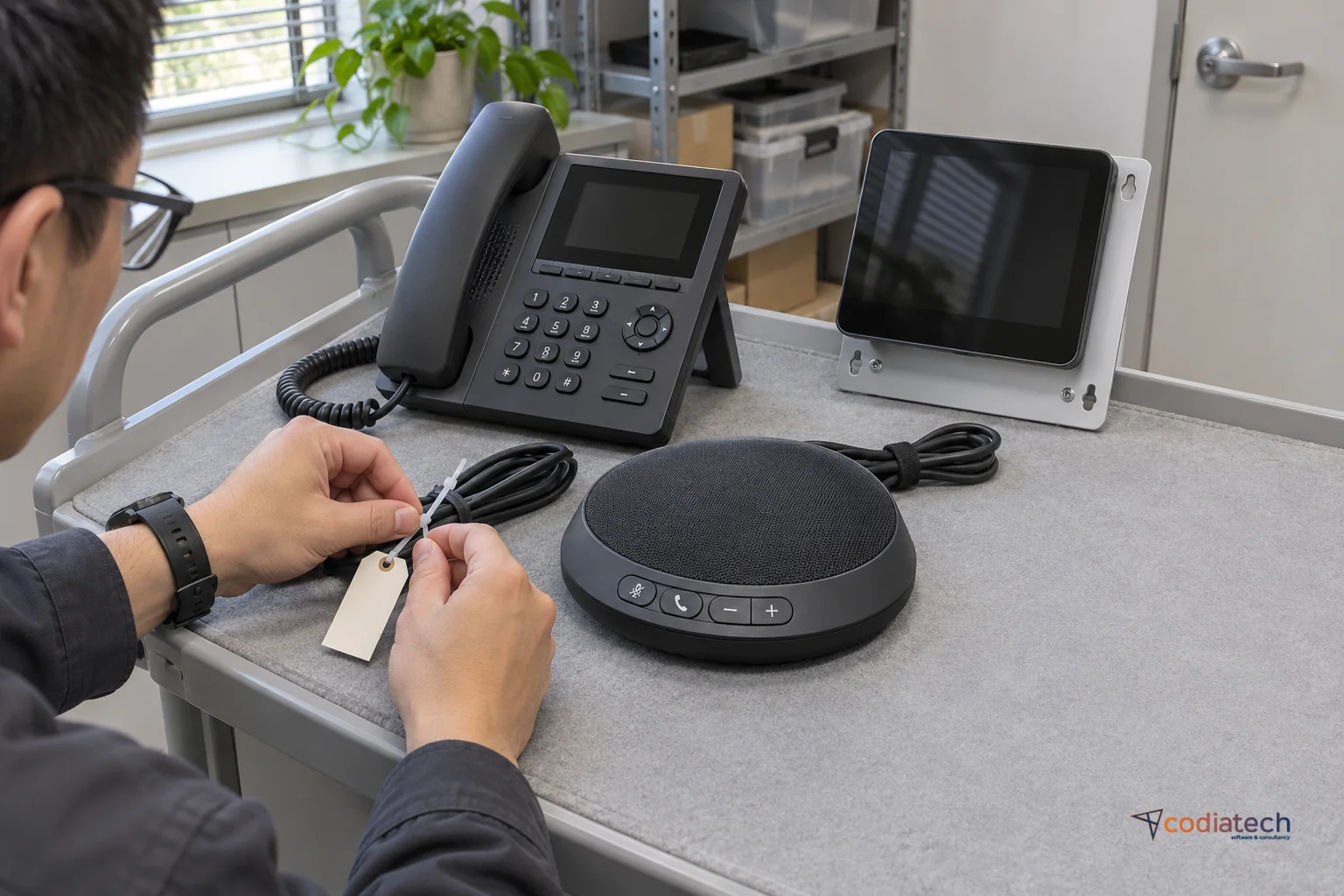
The Teams Rooms Pro management guide describes staged deployment and a Staging ring that represents the range of devices in an organisation. It distinguishes ring orchestration for Pro-licensed rooms from automatic maintenance for Basic or legacy room licences. Do not assume every installation exposes the same management controls.
We recommend selecting different hardware, operating systems and connectivity arrangements for the pilot. Avoid using the organisation’s only critical meeting room as the first experiment. Agree the maintenance window, affected users, stop authority and support contact in advance. Record which device population the pilot represents: one successful Android room test should not be extrapolated to all Windows rooms or phones.
Acceptance Checks Should Go Beyond the Version Screen
Calendar, Booking and Joining
Use controlled test accounts to invite the room to a future meeting. Compare the time and subject in the calendar, room display and panel where present. Reschedule and cancel it, then verify that each relevant surface reflects the changes. Specify expected behaviour for booking conflicts and time-zone differences when those are part of the organisation’s normal use.
Next, join the scheduled meeting using the flow offered by that device. Check two-way audio, the camera, content sharing and leaving the meeting. Revisit calendar connectivity after a restart and a fresh session. These are proposed acceptance scenarios; they do not imply that every Teams device supports the same features. Keep the expected outcome specific to the installed equipment and enabled services.
Record Failures and Rollout Decisions
When a check fails, capture the time, device, expected result and actual behaviour together. Do not assume that a calendar failure and an audio failure share a cause. Compare a healthy group and provide appropriately redacted diagnostics to the manufacturer or application owner. Switching off EWS in production as a test is a separate change requiring its own plan and authority.
Complete the Application Owner’s Migration Plan Separately
For custom calendar integrations, maintain a record of the EWS operation, application owner, vendor response, Graph replacement and acceptance test. Do not assume feature parity where the documentation does not establish it; the workflow may need redesign. A successful device update does not replace this application-level review.
Codiatech’s system integration and maintenance and customer support work can address device inventories, application dependencies and verification responsibilities within an agreed project scope. A useful first deliverable is an owned device list with verified update targets and tested workflows. Recheck dates, licensing and release requirements before making changes, because guidance and availability can evolve.
Sources
Primary source: techcommunity.microsoft.com