
Codiatech Blog
Device Connect: Investigating Bugs on Remote Android Devices
Assess AWS Device Connect with a real-device pilot: reproducible defects, device coverage, ADB compatibility, session costs and evidence-based acceptance.
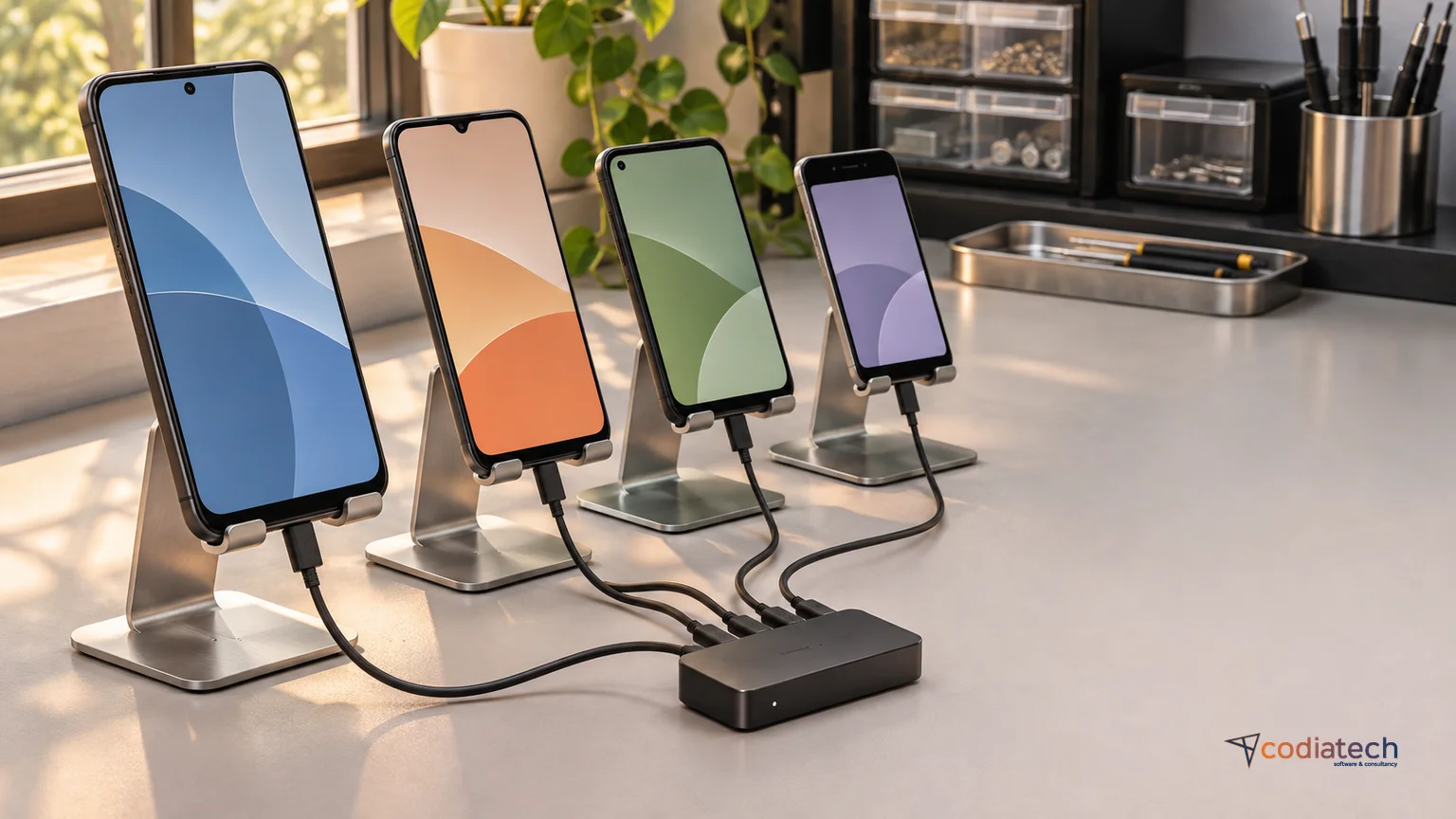
What Device Connect Changes in Mobile Testing
AWS’s November 23, 2026 announcement introduces Device Connect for reaching remote Device Farm Android devices through local ADB and development tools. The connection supports debugging, log inspection and performance investigation. The announced Region is Oregon, with clients for macOS, Linux and Windows. Official AWS announcement
The business question is whether a reported issue can be reproduced with the same build, account state and steps. Access to more hardware is useful only when it improves that investigation. The pilot below is Codiatech’s proposed assessment method, not a customer deployment, an AWS partnership or a measured speed improvement. Its purpose is to connect an observable mobile defect to an evidence-based decision about a fix.

Start with One Reproducible User Problem
Choose a workflow with a clear starting state and expected outcome instead of a broad report that the app is sometimes slow. In a representative membership app, opening an events list and applying a filter might cause the screen to stop responding. Record account permissions, whether the app was freshly installed or updated, and the source of its data. Matching a screenshot does not establish that two tests reproduced the same defect.
Change one factor at a time during the first investigation. Try the same build on two devices before changing the operating-system version and several settings together. Preserve negative results: the circumstances in which an issue does not recur can narrow the next investigation. Use authorized test data to reproduce the business state rather than copying a real user’s account unnecessarily.
Choose a Device Matrix That Reflects Actual Use
The supported-platforms documentation restricts Device Connect to metered public devices running Android 9 or later. It excludes iOS, private devices and unmetered public slots, and permits one attached remote device at a time. It should not be treated as a universal replacement for a mobile test laboratory.
We recommend prioritizing combinations using the app’s supported operating-system range, reported customer devices, screen sizes and affected workflows. Selecting only the newest flagship model can leave important gaps. If actual usage distribution is unavailable, document the assumption rather than presenting the matrix as a measured representation of the market. A passing test on one handset does not accept every other combination. Make untested combinations visible in the delivery record.
Check Local Tooling and Session Boundaries First
The setup guide requires ADB 1.0.41 from Platform-Tools 29.0.0 or later. Verify the installed tools before investigating the app. Device Connect replaces the local ADB server, so the developer’s other device workflows need consideration too. Setup and prerequisites
Record the application package, build identifier and test environment separately. Limit the connecting identity to its intended scope and keep real account passwords out of test scripts. A failure caused by expired credentials, unavailable connectivity or the wrong handset should not be classified as an application defect. Establish tool compatibility and the starting state before running the workflow. This makes it easier to distinguish a product problem from an issue in the investigation environment.
Connect the Defect Record to an Acceptance Decision
An error visible on screen is not yet a reproducible defect report. Our suggested evidence packet includes the application version, handset and OS, test data, ordered steps, expected result and observed result. Identify the relevant interval in the logs. Attaching a long unexplained file merely transfers the interpretation work to somebody else. Explain what question each piece of evidence helps answer.
After a fix, repeat the same workflow from the same starting conditions. If the problem disappears, check whether changed data or permissions could have hidden it. In the example events filter, confirm not only that the list opens, but also that the selected filter returns the correct records. Acceptance should reflect the business outcome. A different screen working correctly does not prove that this defect was resolved.
Separate Network Effects from Application Performance
With a remote device, attributing every perceived delay to the app can be misleading. In the pilot, investigate on-device work, API response time and remote interaction separately. Repeat comparisons with the same dataset and retain inconsistent results. One fast attempt cannot establish a percentage improvement. Record background activity and whether the application or data was already cached before the test.
Explain what the measurement represents for the user. A first launch and a return to a previously opened list are different operations. If network conditions change, state which comparisons remain meaningful. This helps locate the actual bottleneck before changing production code. Device observations, a controlled comparison and server evidence should support the diagnosis together. A faster remote video response alone does not demonstrate faster application processing.
Give CI and AI Agents Distinct Responsibilities
A successful CI build proves neither that the intended package reached a handset nor that a user workflow passed there. Keep the two acceptance decisions separate: the build produced the right artifact, and that artifact behaved correctly on a target device. Unlike an ARM32 runner migration, this investigation concerns behavior on the handset. A recorded build identifier connects the pipeline output with the device evidence.
If an AI agent participates, consider starting with evidence collection or preparation of a defect summary. Do not accept a proposed code change solely because its explanation sounds convincing. Show that the original failing check passes after the change. A person should define the test identity, environment and action limits. Wider tool access requires clearer boundaries around files, accounts and permitted operations. The pilot does not require an agent to make autonomous production changes.
Close the Remote Session and the Acceptance Record
No additional client charge does not mean free device use. Stopping the bridge or detaching a device also does not end the remote session; it continues until stopped in Device Farm. Connection and session behavior
Add confirmation of session termination, evidence ownership and treatment of test data under organizational policy to the closing checklist. The useful outcome is a reproduced issue, a fix tested under matching conditions and explicit remaining limits, rather than connectivity alone. Within Codiatech’s web and mobile app development and maintenance and support work, the appropriate test scope depends on the project. This assessment reflects sources checked on November 24, 2026.
Primary source: aws.amazon.com